AMP Quiz in DIY AMP editor
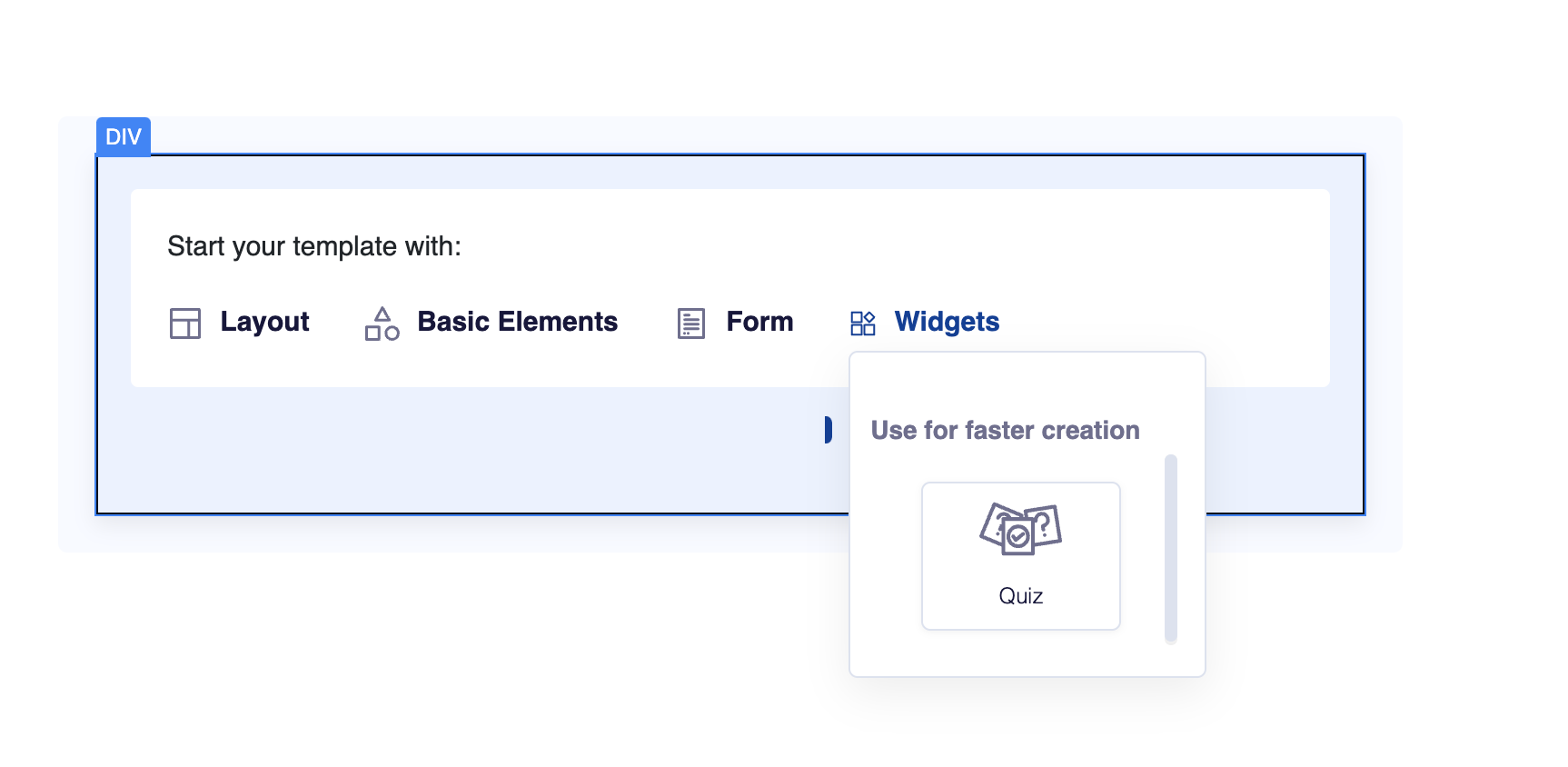
The AMP Quiz feature in the AMP DIY Editor enables users to create interactive quizzes within emails, providing recipients with an app-like experience.
Key Features
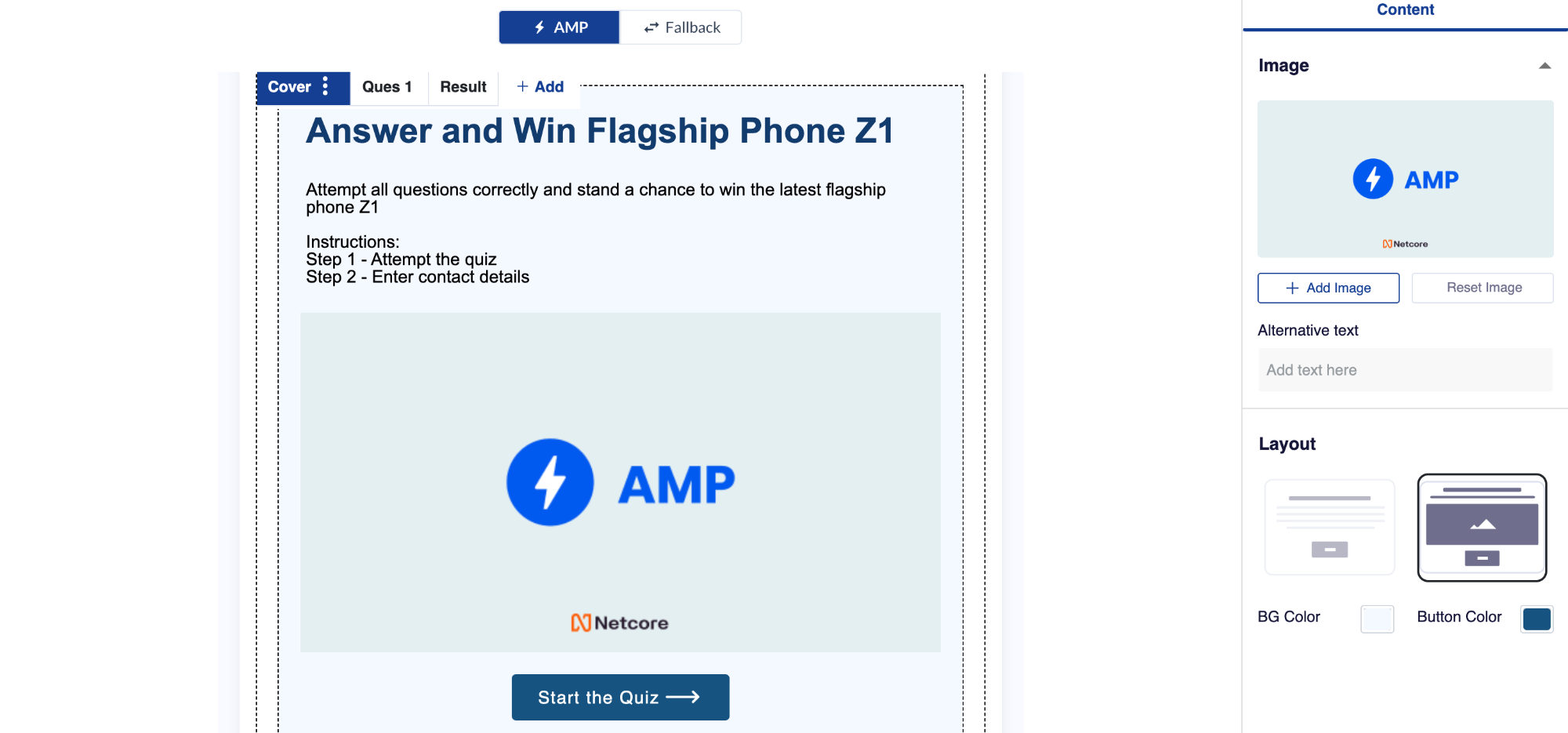
Question Creation: Users can create engaging quiz questions directly within the AMP DIY Editor. They can add multiple-choice questions to tailor the quiz content according to their specific requirements.
Customized Layouts: The AMP Quiz feature offers customizable layouts, allowing users to design visually appealing and brand-consistent quiz experiences. Users can modify the fonts, colors, backgrounds, and other visual elements to create a unique quiz appearance.
Response Texts for Right/Wrong Answers: To provide instant feedback to participants, users can define custom response texts for correct and wrong answers. This enables a personalized experience and encourages participants to continue engaging with the quiz.
Results Page: Upon completion of the quiz, participants will be directed to a results page. This page can display their score, provide personalized messages based on their performance, and include calls to action for further engagement.
Display of Correct, Skipped, and Wrong Answers: The AMP Quiz feature allows users to choose whether to display the correct, skipped, and wrong answers to participants. This feature enhances transparency and provides an opportunity for participants to learn from their mistakes or missed questions.
Gamification: By leveraging the interactive nature of the AMP Quiz feature, users can gamify the quiz experience for their participants.
Quiz Data Collection and Integration: The quiz data collected from participants can be seamlessly integrated with various platforms. Users can choose to store the data in Google Sheets for easy access and analysis, integrate with Zapier to trigger automated actions based on quiz results or retrieve the data through Webhooks for further customization and integration.