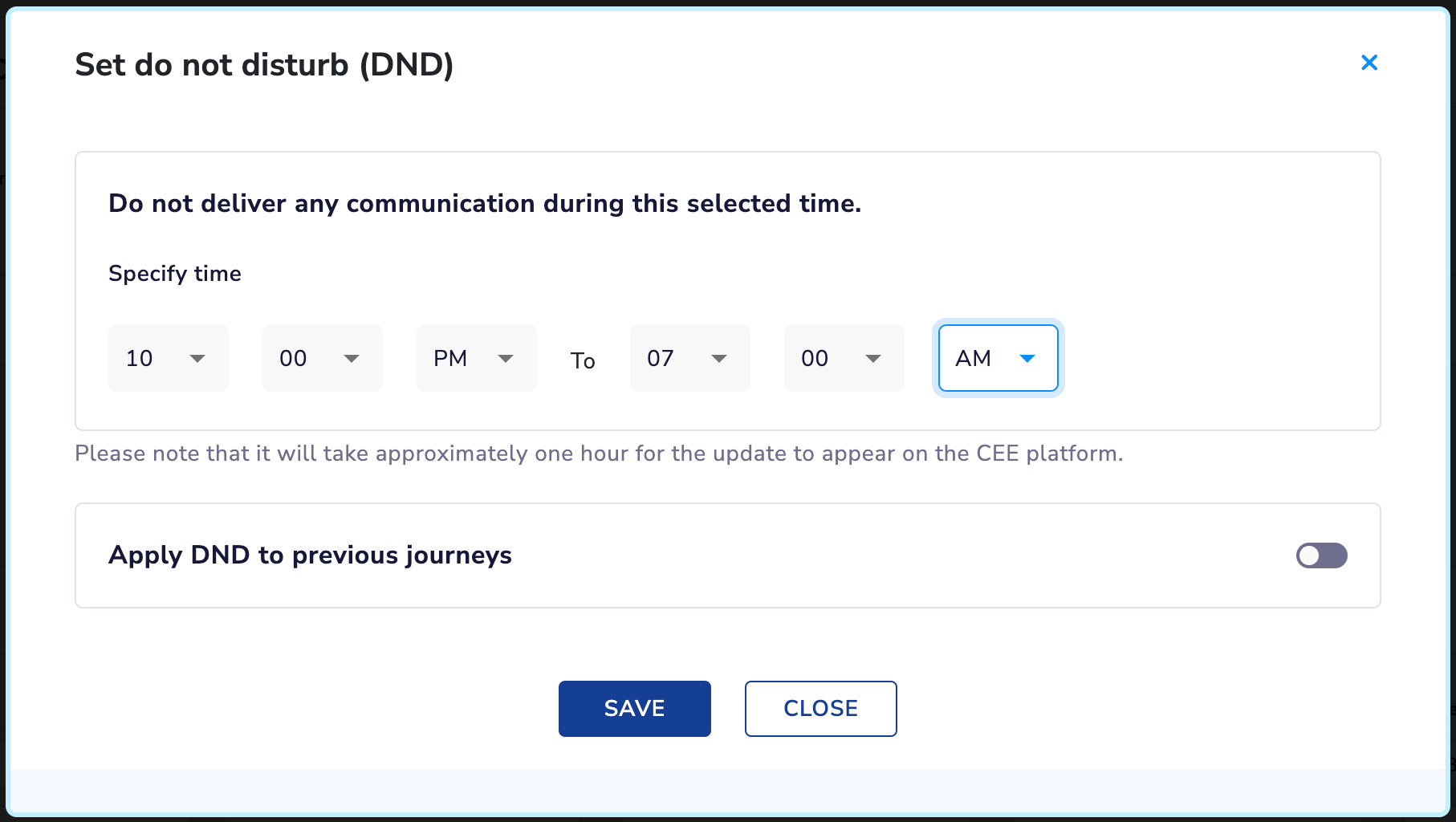
DND (Do Not Disturb) in Journeys
We are excited to introduce the DND (Do Not Disturb) feature in Journeys
giving end-users greater control over their notifications and messages. With DND, users can set up specific hours when they prefer not to receive communications.
Key Features:
- Set up DND hours to control when you receive notifications and messages.
- Choose between a time range or specific days of the week for DND.
- Enable DND for all journeys or only for newer journeys.
How to Set Up DND Hours:
- Log in to your account and go to the Account configuration page in your profile.
- Search for the "DND (Do Not Disturb)" option.
- Configure your preferred DND hours by setting a time range or selecting specific days of the week.
- Save the changes.
How to Enable DND in Journeys:
- Go to the Journeys page and select the journey you want to enable DND for.
- Click on the "Journey Settings" tab.
- Scroll down to the DND section and toggle the switch to enable DND for the journey.
- Save the changes.
For detailed instructions and more information on DND in Journeys, please visit the following link: