Introducing Self-Serve Egress Data Transfer
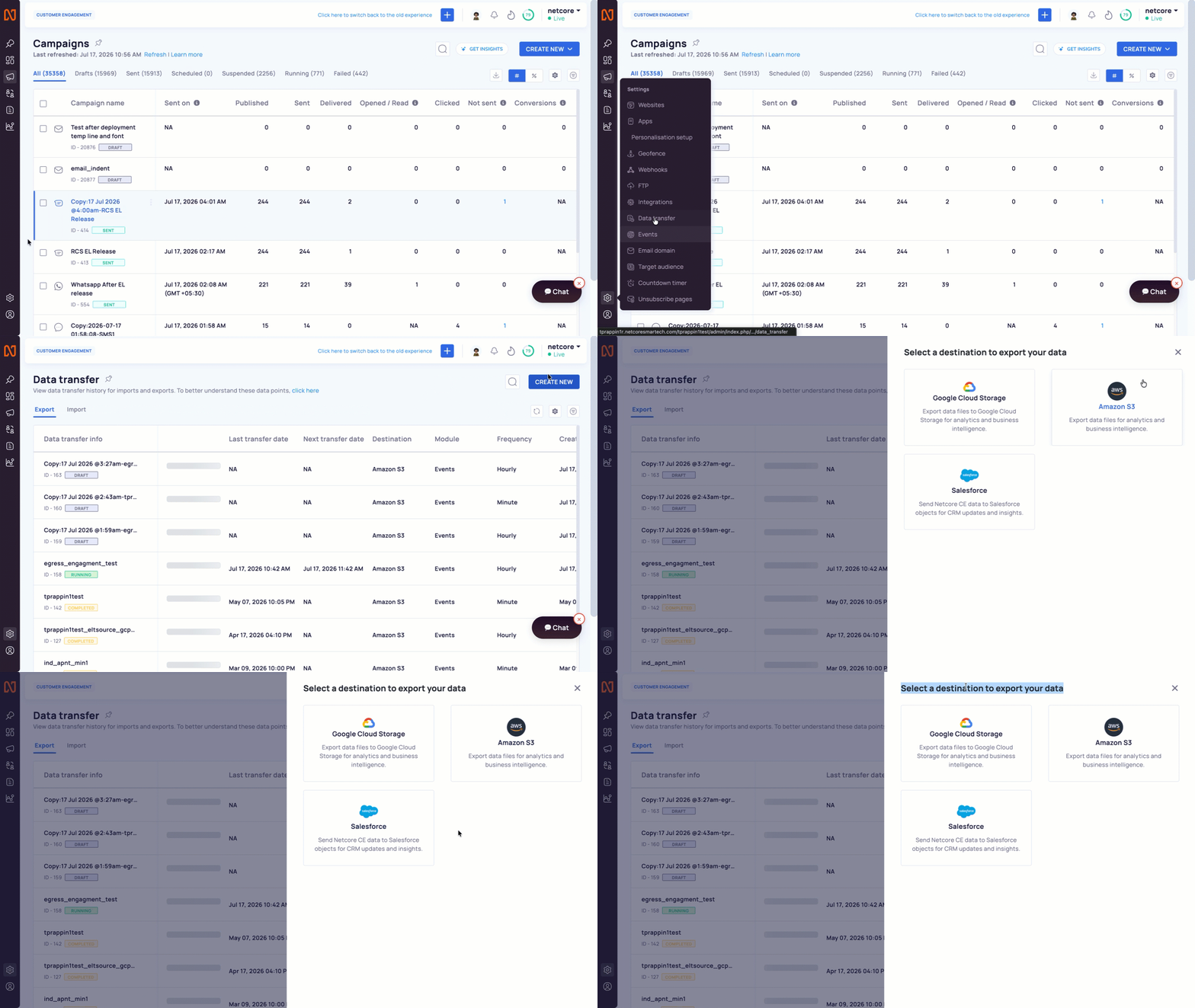
Setting up a data transfer used to mean looping in engineering, sharing the requirements & joining the queue. For teams running exports every week, that’s a lot of round trips.
Introducing self-serve Egress Data Transfer on Netcore CE. Set up, schedule, and manage your Amazon S3 and Google Cloud Storage exports entirely from the panel, no backend request required.
What’s New
Added a DIY data transfer builder in Settings > Data Transfer, covering Setup, Data Selection, Data Customisation, and Schedule, for Amazon S3 and GCS.
Added a Transfer Logs view for each export, showing Export ID, Export Date, and Status for every run, with search by file name.
Added standardized file naming conventions across Standard, Consolidated, and Test file exports, so downstream systems can parse exported files predictably.
Why It Matters
No more waiting on engineering to set up, edit, or troubleshoot an export. Your data team owns the full lifecycle.
Full visibility into what ran, when, and whether it succeeded, without needing to ask backend for logs.
Predictable file naming and clearly defined export statuses make it easier to automate what happens after the file lands.
For more details, refer to our documentation:
https://cedocs.netcorecloud.com/docs/egress-data-transfer-copy
https://cedocs.netcorecloud.com/docs/export-events-to-amazon-s3
https://cedocs.netcorecloud.com/docs/export-events-to-google-cloud-storage-gcs