RCS Webview Support in Template Management
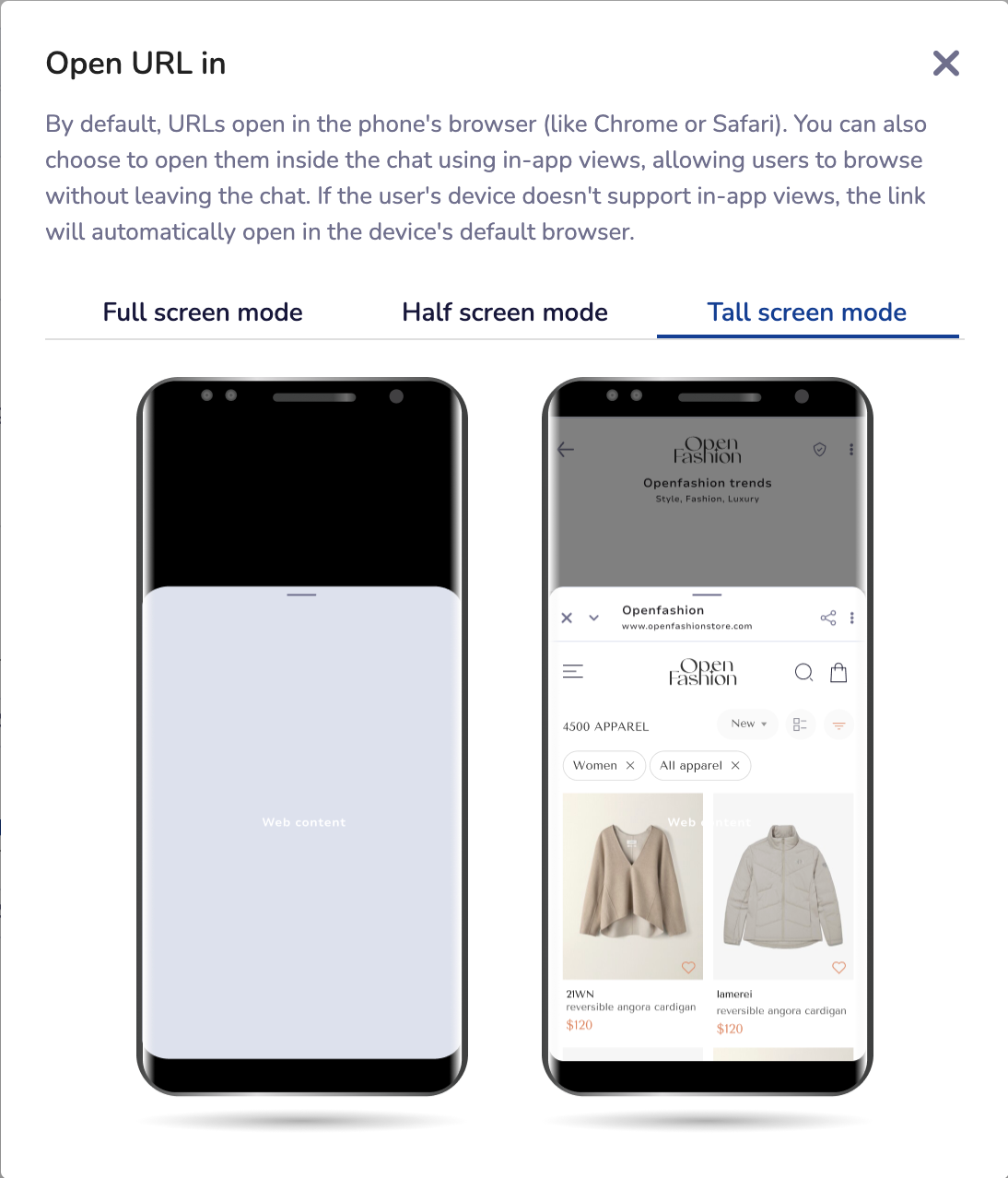
We’ve added a Webview option when configuring URL buttons inside RCS templates.
This allows links to open inside the RCS app instead of switching to the phone’s browser.
🌟 Why Webview? (Use Cases)
In-app forms
Users can fill surveys, lead forms, or feedback forms without leaving the chat.Mini landing pages
Show campaign details, offers, or product info within the conversation.App-like flows
Host quick journeys like login, OTP checks, or quizzes directly inside the RCS thread.
Steps to Enable Webview
Go to Template Management and start creating an RCS template.
When adding a button or suggestion containing a URL, select the Webview mode and choose the view length (Compact / Medium / Tall) you want the end user to see.
If the end user’s device does not support Webview, the link will automatically open in the device’s default browser.