Maker-Checker for IA2.0!
What is Maker-Checker?
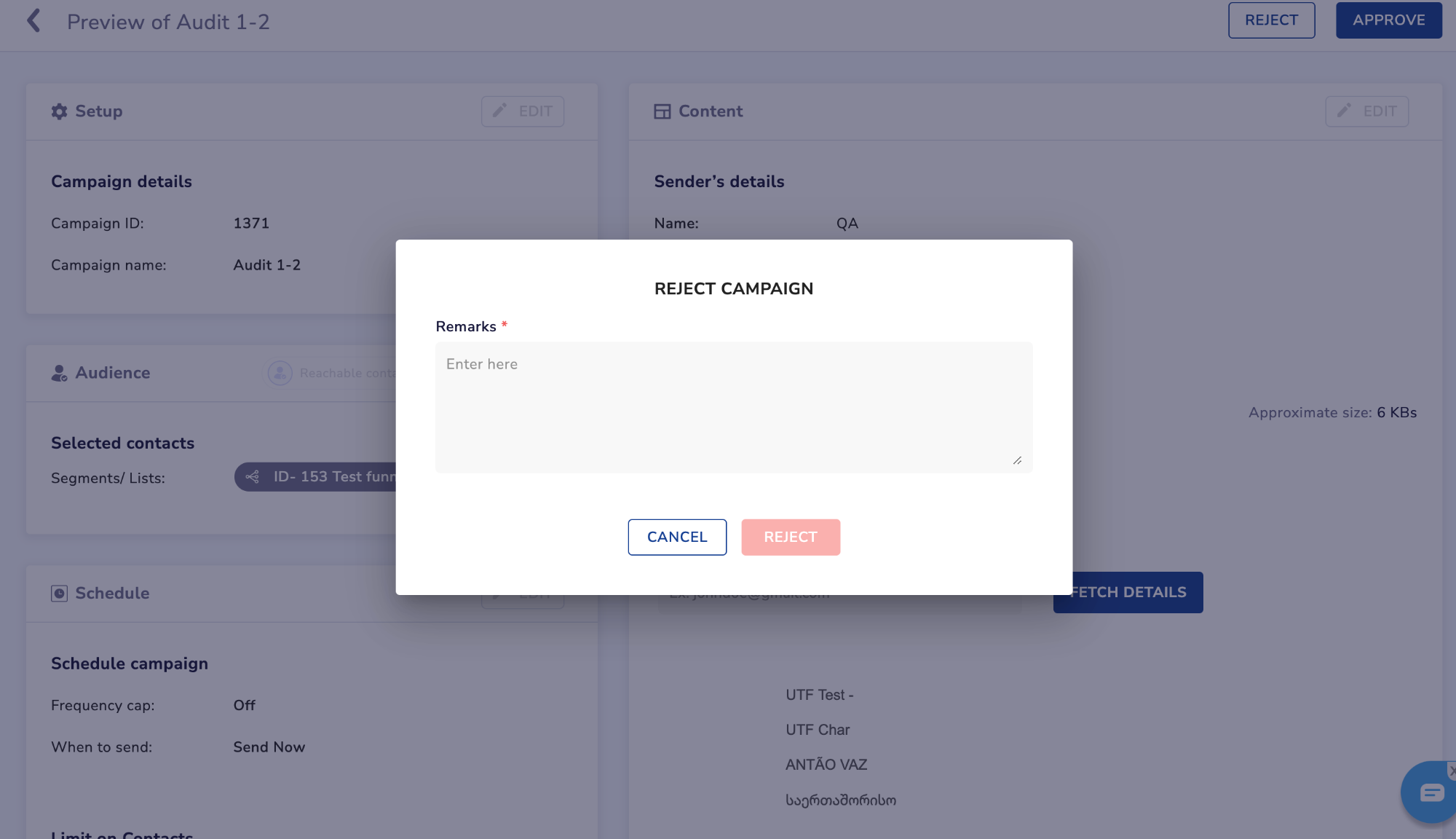
Maker-Checker is a feature designed to enhance security and quality control in the campaign creation process within IA2.0. It introduces a two-step verification process involving a "Maker" who initiates the campaign and a "Checker" who reviews and approves or rejects it - following which campaign can be published
Key Feature Details:
- Statuses:
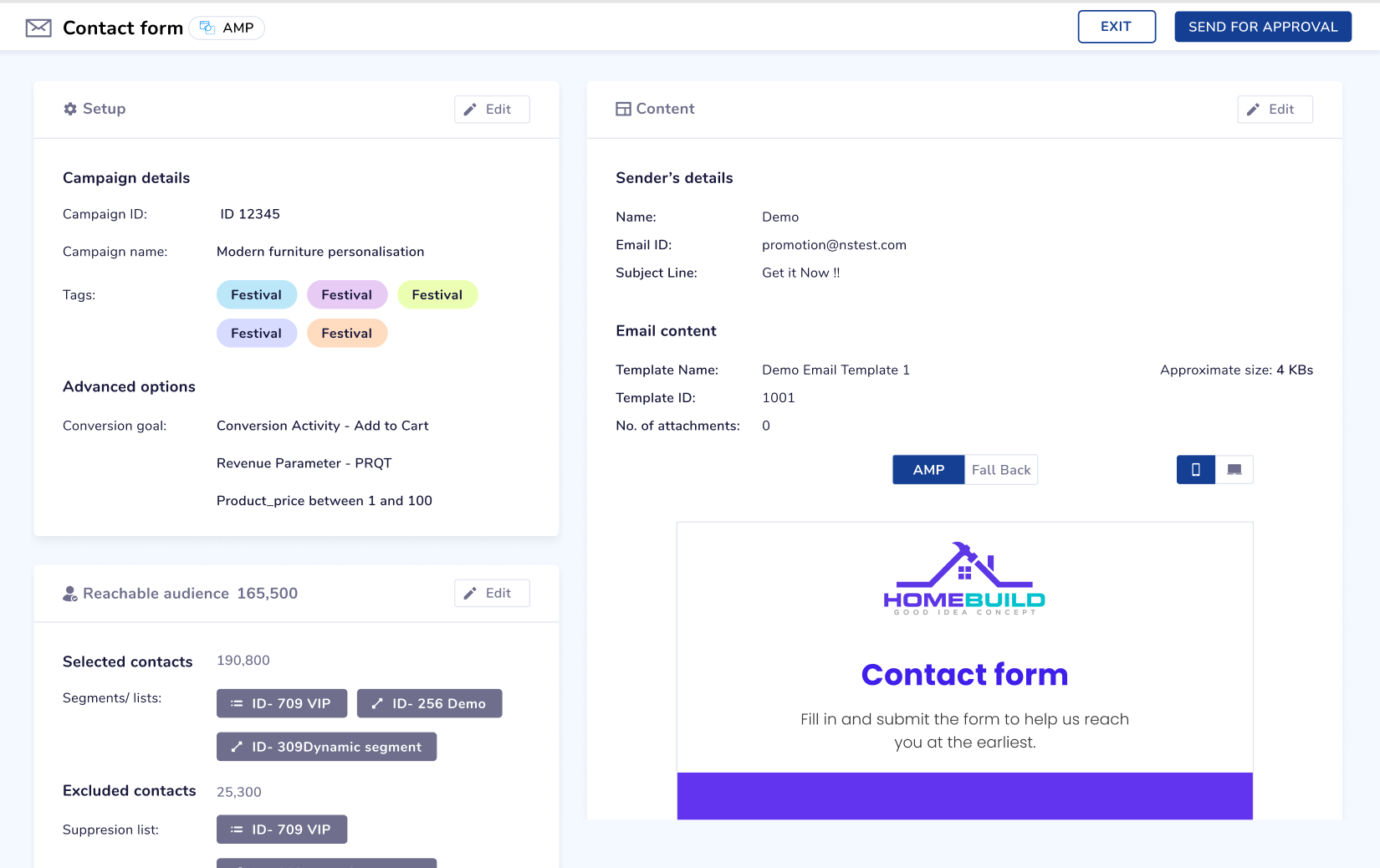
- Draft: The initial status when a campaign is created by the Maker but has not been sent for approval.
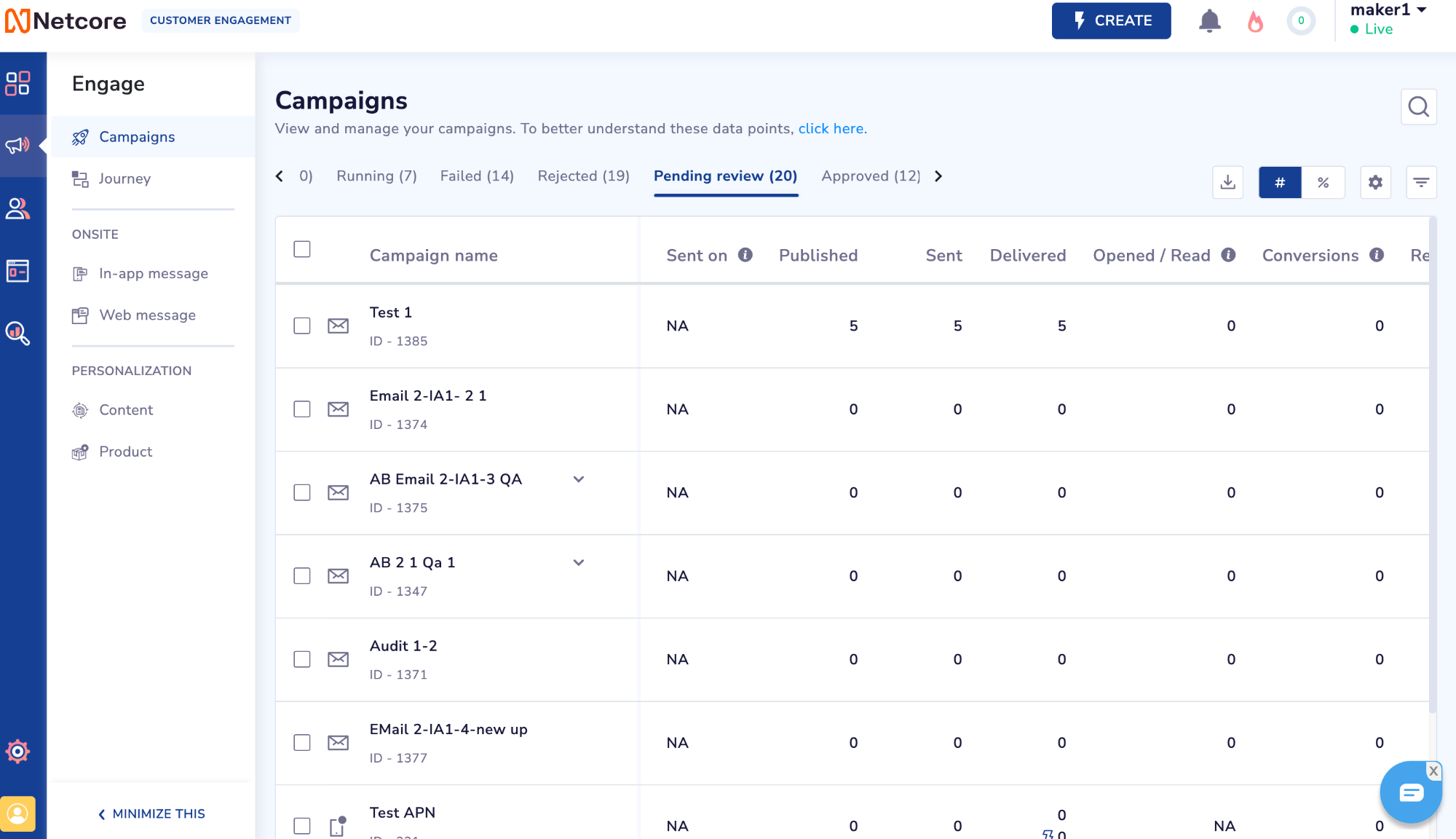
- Pending Review: Once the Maker sends the campaign for approval, it moves to this status awaiting approval from the Checker.
- Approved/Rejected: The final status, indicates whether the campaign has been approved or rejected by the Checker.
- Campaign Types Supported:
- Maker-Checker is supported for Email, SMS, App Push, and WhatsApp campaigns, ensuring a comprehensive workflow.
- Admin Privileges:
- Admin users retain the ability to publish campaigns without going through the Maker-Checker flow.
Guidelines for Using Maker-Checker:
Migration from IA1.0:
- For clients using Maker-Checker in IA1.0, seamless migration to IA2.0 allows continued utilization of this feature.
Enabling Maker-Checker:
- By default, Maker-Checker is disabled for other IA2.0 panels.
- To enable, navigate to Profile > Account Configuration > Enable Maker-Checker.
- Note that once enabled, Maker-Checker cannot be disabled from the UI.
Campaign Statuses:
- Familiarize yourself with the three campaign statuses: Draft, Pending Approval, and Approved/Rejected.