
What's New

Follow new updates and improvements to Netcore CE.

Automatic Creative Optimization (ACO) Formatting Issue
Overview

Meta recently expanded Automatic Creative Optimizations (ACO) and Smart Testing for the WhatsApp Marketing Messages API. These features automatically adjust message formatting and extract titles to improve performance.

However, Meta has confirmed ongoing issues with two ACO components:

1. Text-Formatting Optimizations

Some businesses have reported that WhatsApp messages are being delivered with:

  • Missing or altered spacing

  • Modified text layout

  • Unexpected changes in message structure

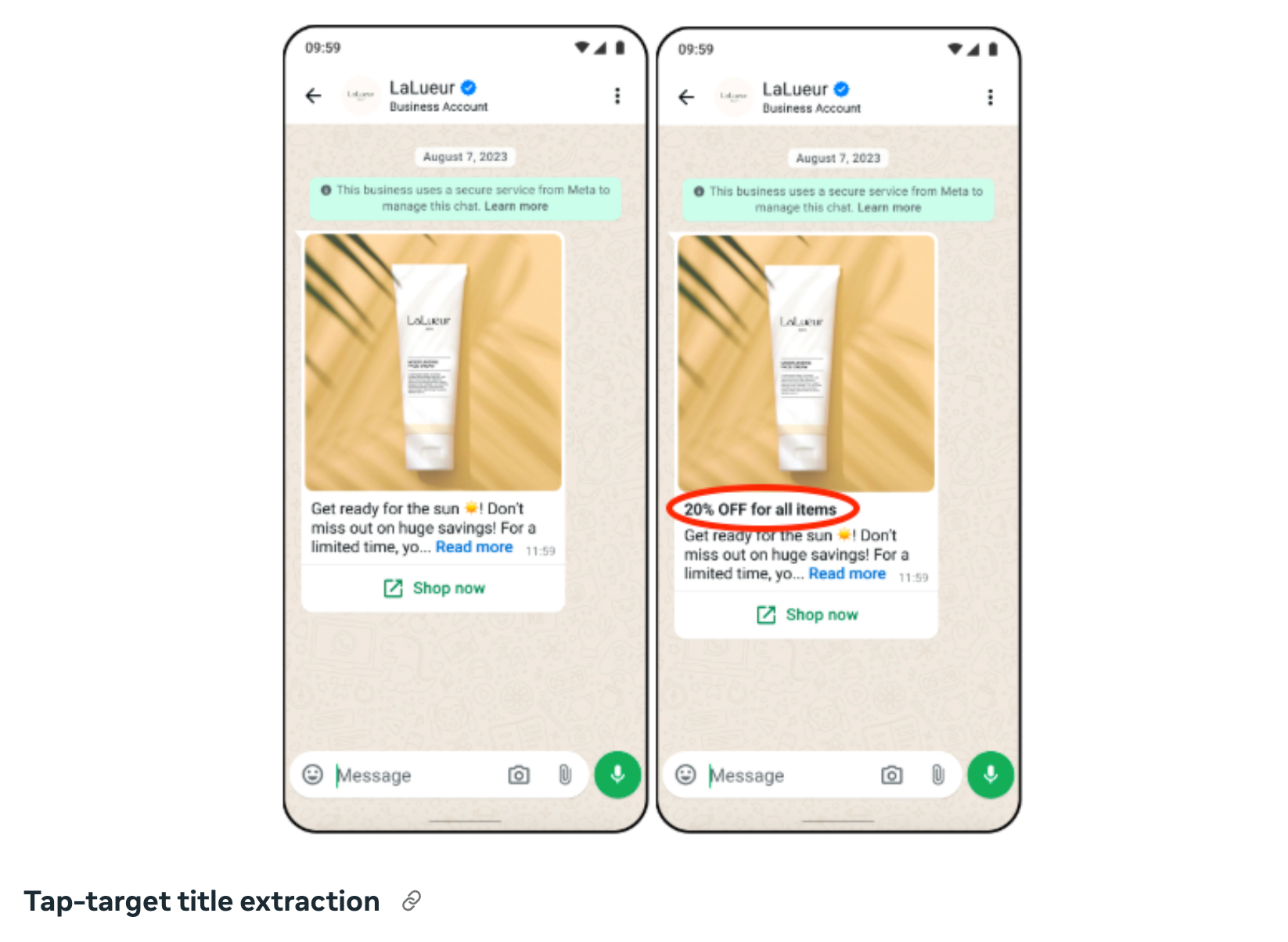
2. Tap-Target Title Extraction

In certain cases, ACO incorrectly interprets promotional phrases.
Example:
A message containing “20% better results” was altered to appear as “20% off”, leading to misleading communication.

These issues may cause unintended message variations or incorrect promotional claims.

For more details on ACO, refer to Meta’s official documentation:
https://developers.facebook.com/docs/whatsapp/marketing-messages-api-for-whatsapp/sending-messages#configure-automatic-creative-optimizations--whatsapp-business-account-level

Netcore’s Action

To prevent disruption to customer campaigns, Netcore has disabled ACO for all WhatsApp Business Accounts (WABAs) under our platform.

This includes turning off:

  • Automatic Creative Optimization

  • Text Optimization

  • Tap-Target Title Extraction

If you continue seeing unexpected formatting or title changes in your delivered WhatsApp templates:
➡️ Please write to the Netcore Helpdesk immediately.
Our team will review your WABA configuration and escalate to Meta if required.
Login Security Enhancement: Google reCAPTCHA v2

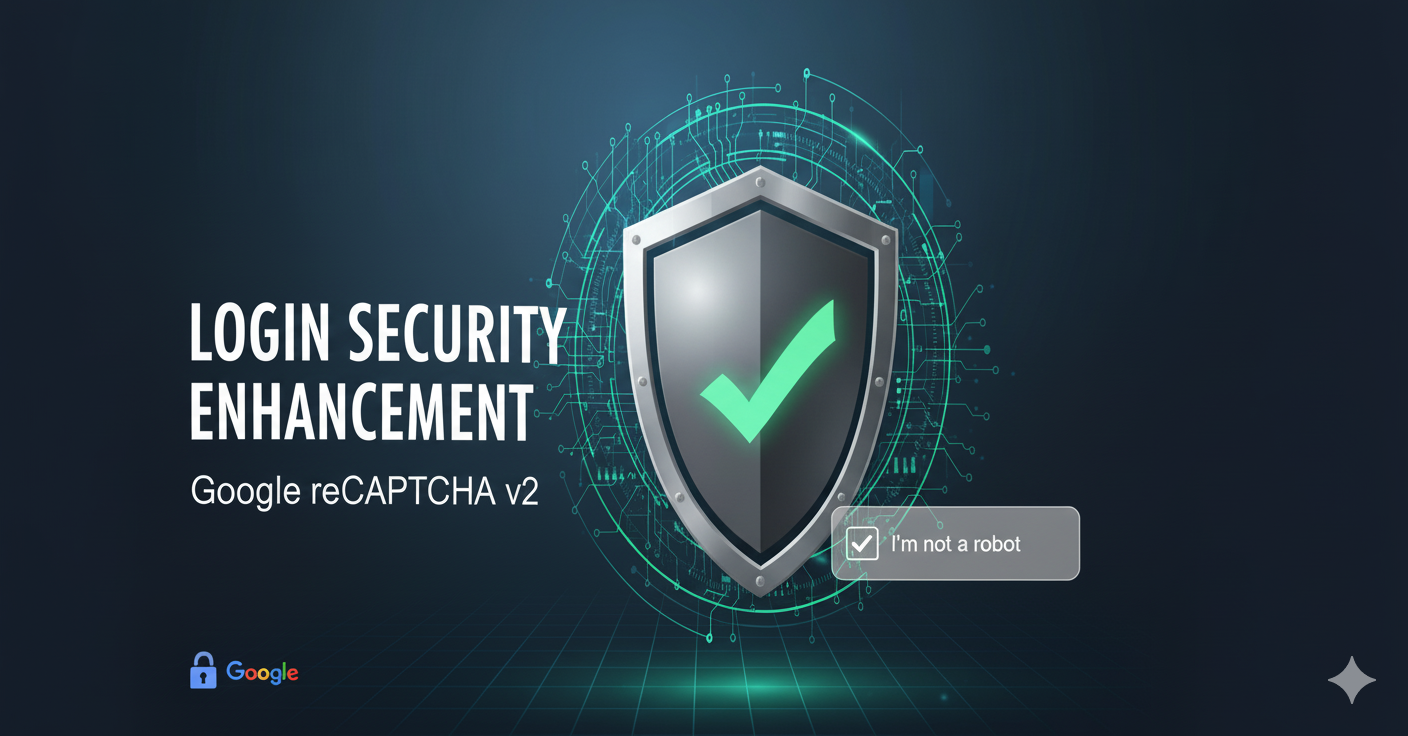
To strengthen login security and improve the user experience, we have introduced Google reCAPTCHA v2 on the CE login page.

What’s New

  • Captcha after failed attempts: A captcha is now triggered automatically after 3 consecutive failed login attempts, helping prevent brute force attacks.

  • Improved user feedback: When CAPTCHA is required, the login button is disabled (greyed out) until verification is completed.

  • Session handling: Once displayed, the captcha remains valid for 30 minutes within the same session. After this period of inactivity, users will need to refresh the login page and begin a new login attempt.

Why This Matters

Previously, users faced confusion when repeated login attempts failed without explanation, and the platform lacked safeguards against automated attacks. With this update, users now receive clear feedback on why login is restricted, while the system gains stronger protection against malicious access attempts.

FAQ’s

1. Why am I seeing a CAPTCHA on the login page?
You will see a captcha if you enter the wrong password 3 times in a row. This helps protect your account from automated login attempts.

2. Do I need to solve the captcha every time I log in?
No. Captcha only appears after multiple 3 failed attempts. If you enter your correct password, you will log in as usual.

3. How long does the captcha stay active?
Once shown, the captcha stays active for 30 minutes in your current session. After that, you’ll need to refresh the page.

4. What happens if I don’t complete the captcha?
The login button remains disabled until you complete the captcha.

5. Is this update affecting all users?
Yes, this change is live for all CE users to improve both security and login clarity.

Google Chrome’s Crackdown on Web Push Notifications (Android)

Starting May 2025, Google Chrome (on Android) has begun enforcing stricter rules around Web Push Notifications. This update aims to reduce misleading or irrelevant notifications, by flagging the notification as “Suspected Spam” which can then lead to auto-blocking of prompts and silencing of notifications from affected sites.

What’s changing?

  • Chrome is monitoring for misleading messaging patterns, such as clickbait or irrelevant notifications.

  • Sites flagged may see reduced opt-in rates, suppressed notification delivery, or even automatic opt-out for users.

  • This update significantly affects Android users on Chrome, where Web Push is a popular engagement channel.

Full Details & Best Practices
We’ve compiled a detailed guide on how this change works and what brands should do to stay compliant: Read the full doc here

Security Updates